Heat Exchanger Series Calculation
Heat Exchanger Series Calculation

Let’s see an example of how calculation of the heat exchangers in serie works.
We can suppose we have a system made by several heating components, where the output data of the thermodynamic calculation of the first coil becomes the input data for the next coil in the series, and so on. This can be accomplished with the heat exchanger series calculation.
First of all, we should create several projects (for example, heating coils). Each project must be calculated and added to the series.
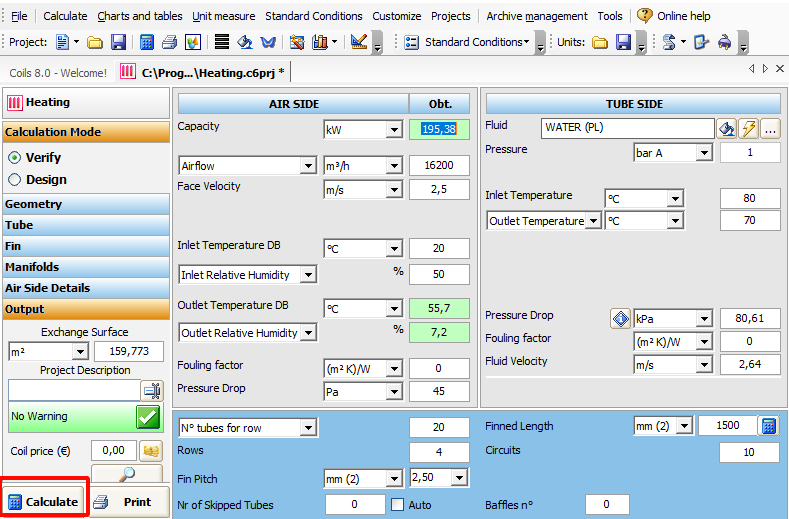
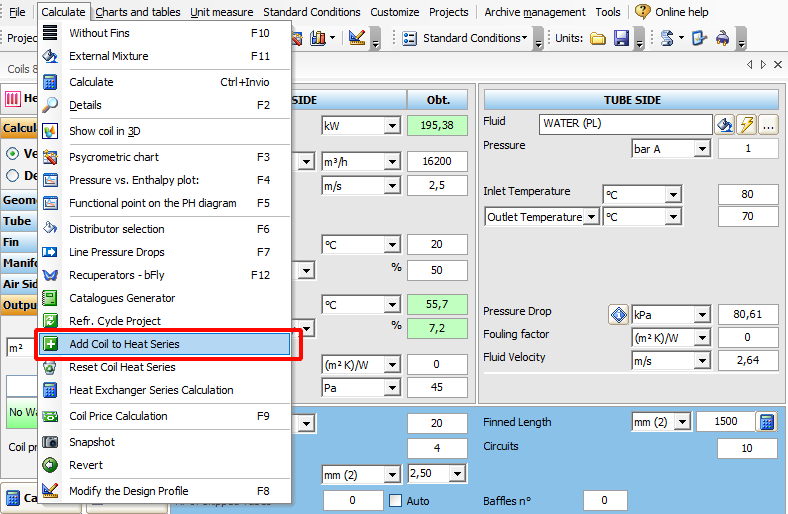
The first heat exchanger has been added, we will create a second project by changing the geometry and will add it to the series and so on.

Now we proceed to Heat Exchanger Series Calculation 
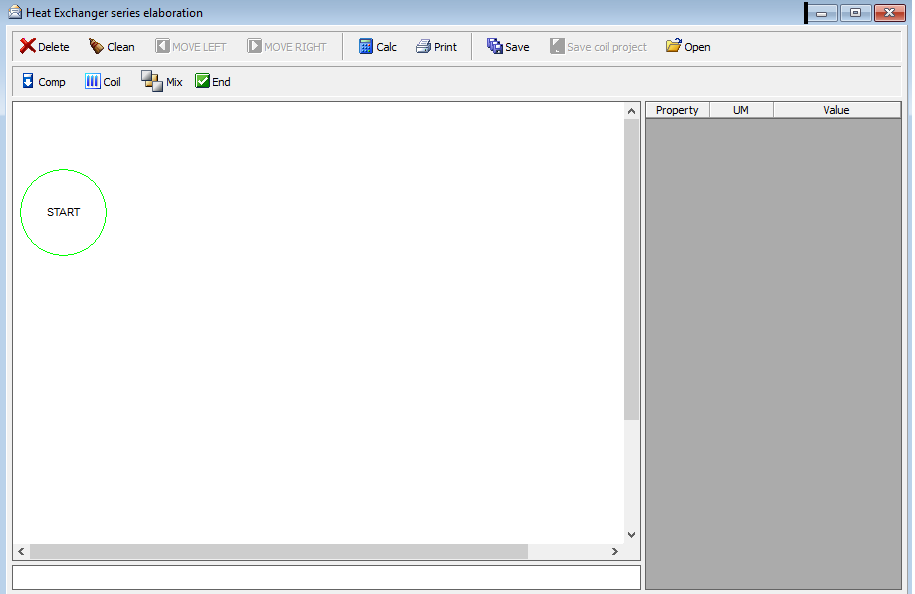
We click the  to add a coil to our project
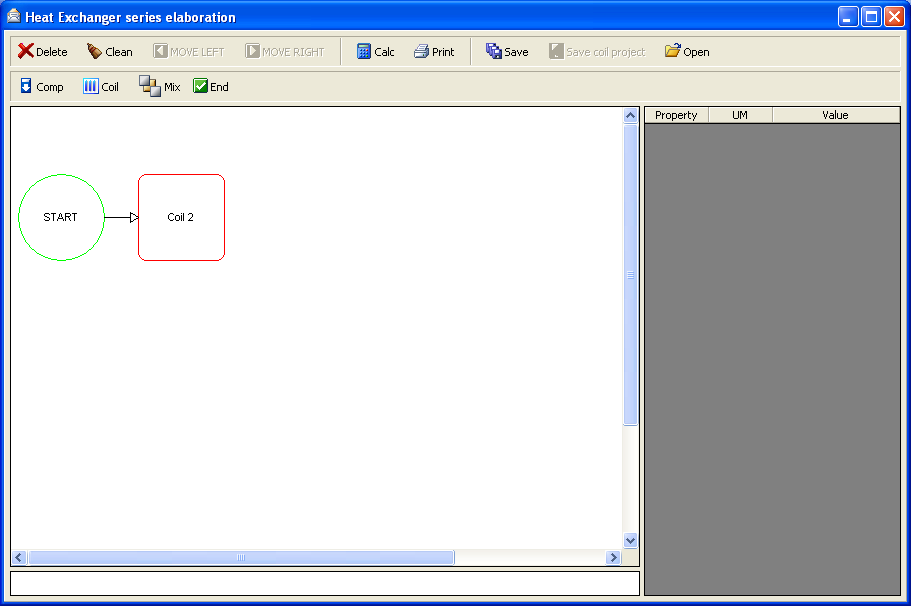
We click  to add a compressor
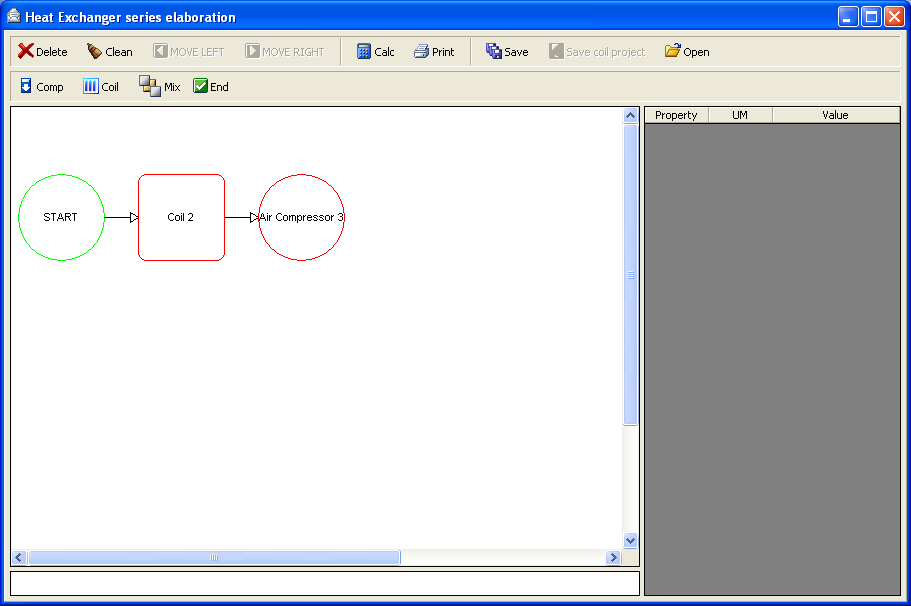
We click  to add another coil
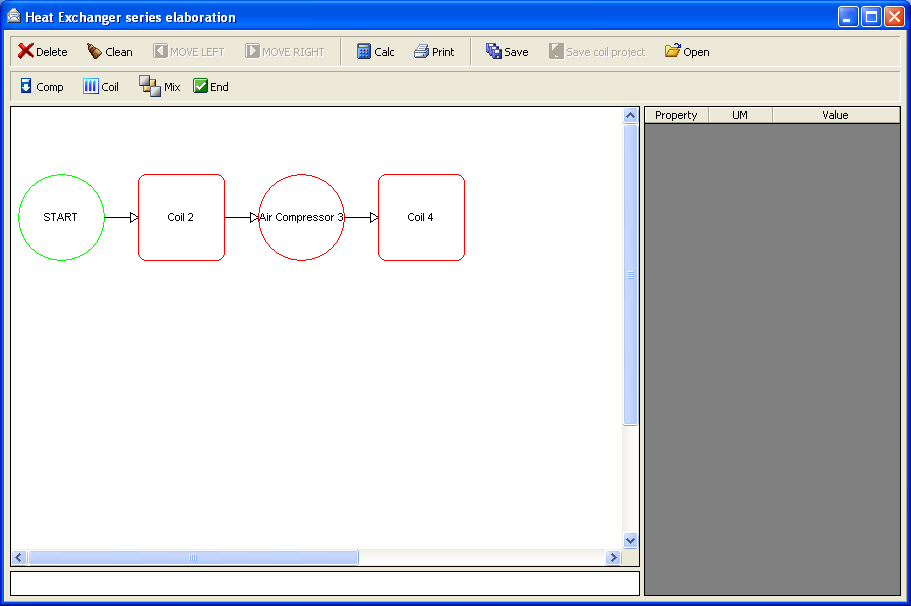
We click the  button to finish our unit
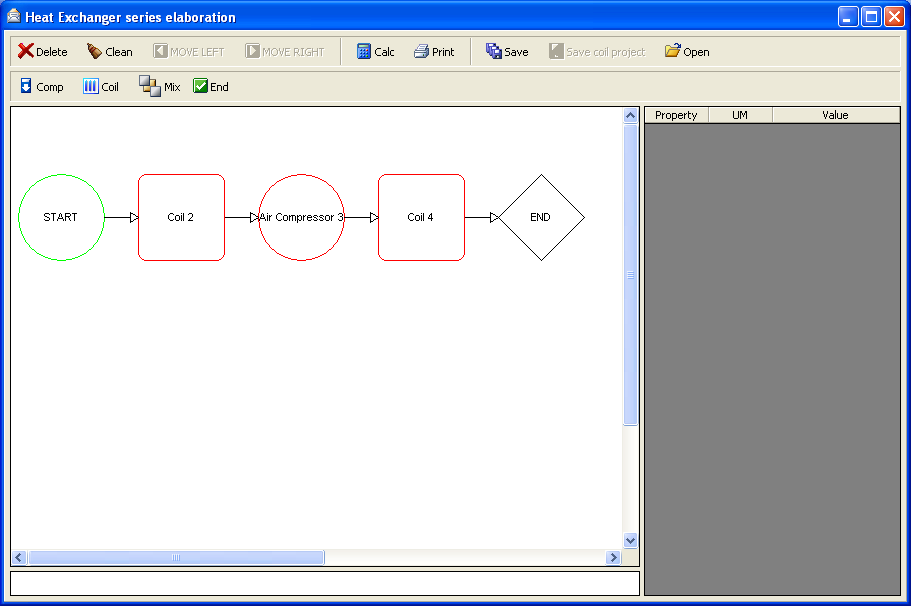
To set the data of each component we click on them
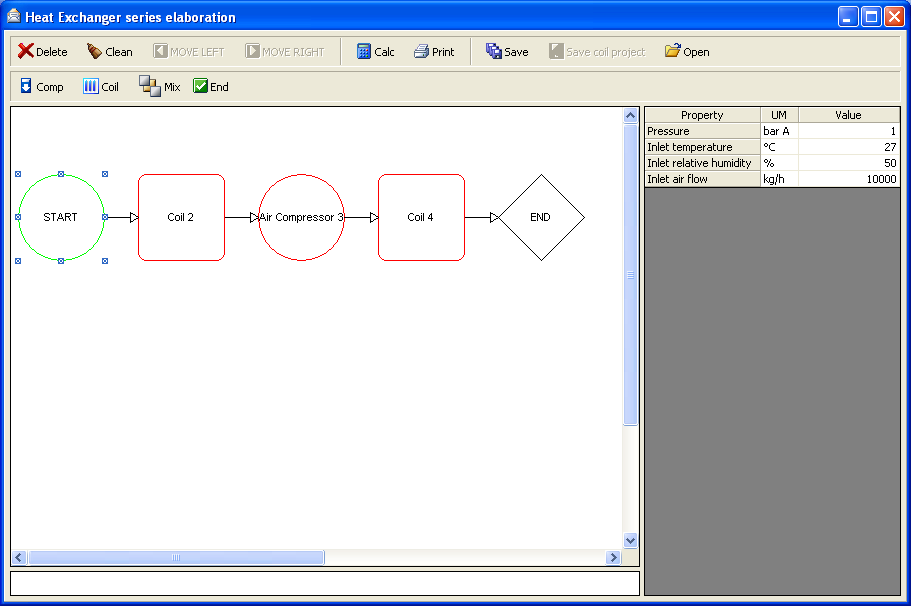
We click on “Coil 2”
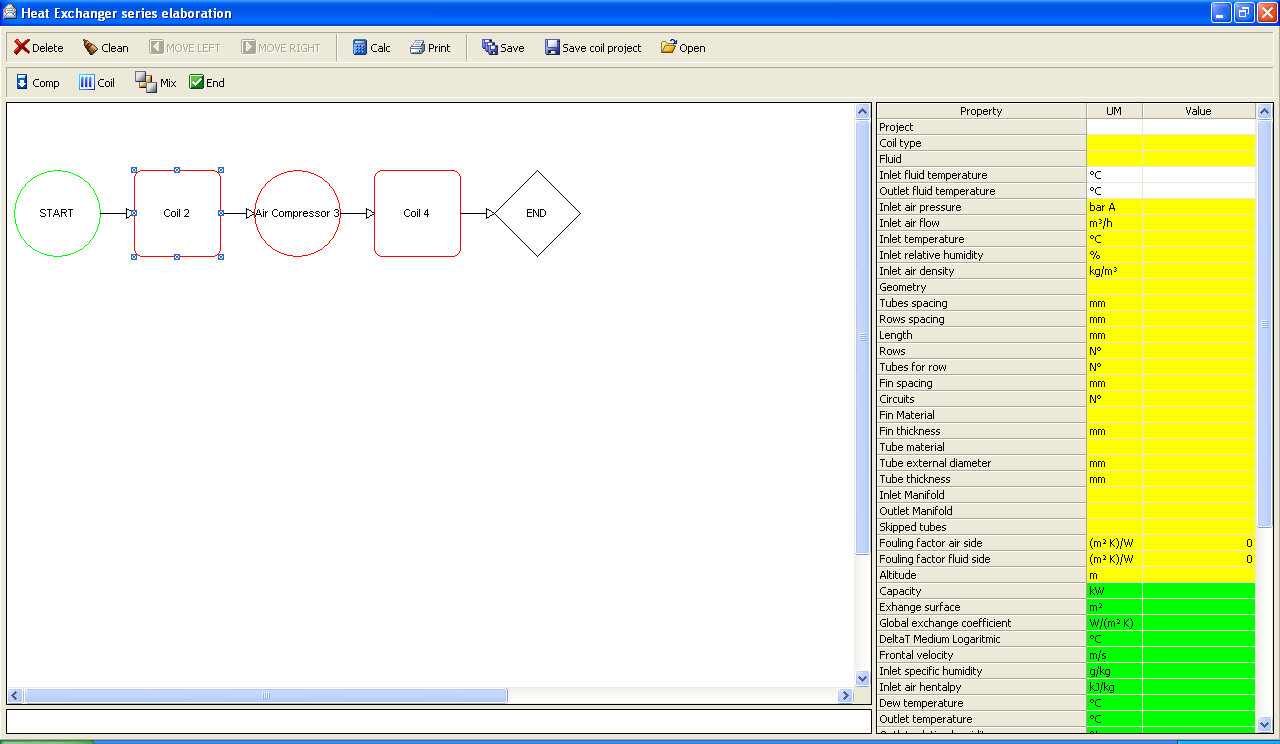
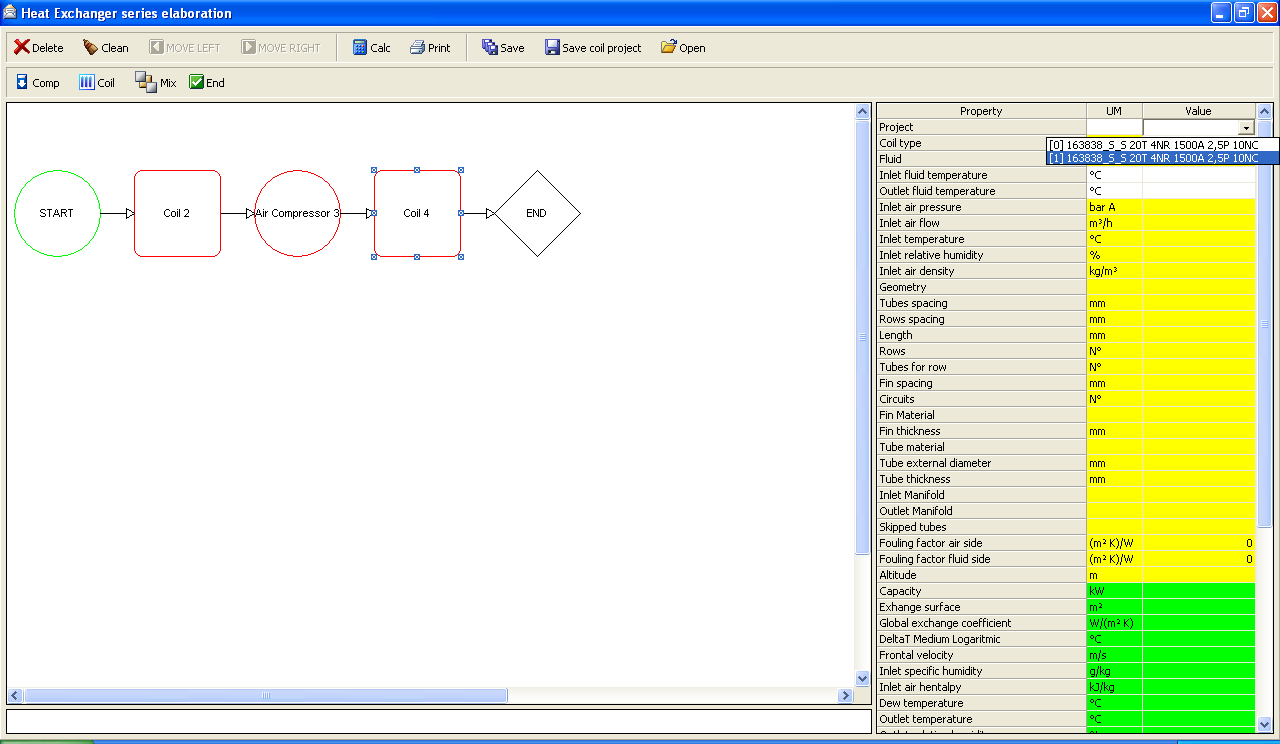
To select one of the project data we saved before we click on the “project” line into the value field
When we double click on it, we get
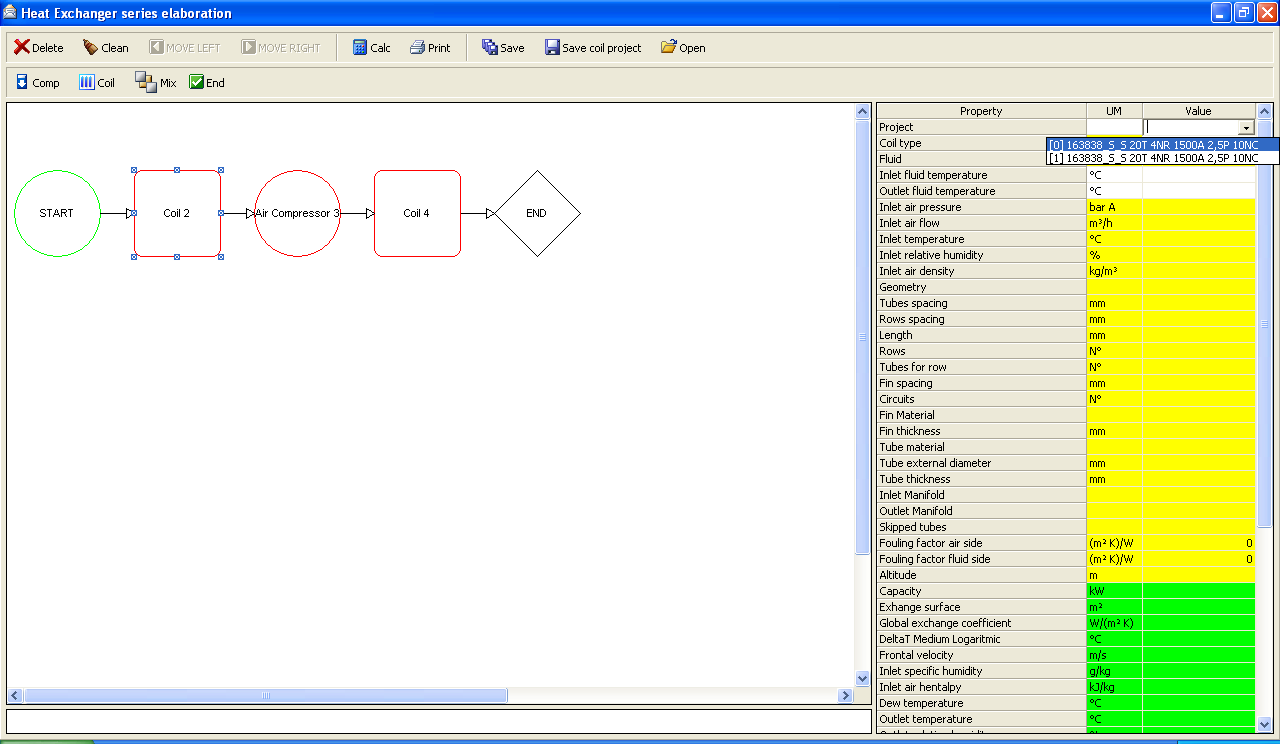
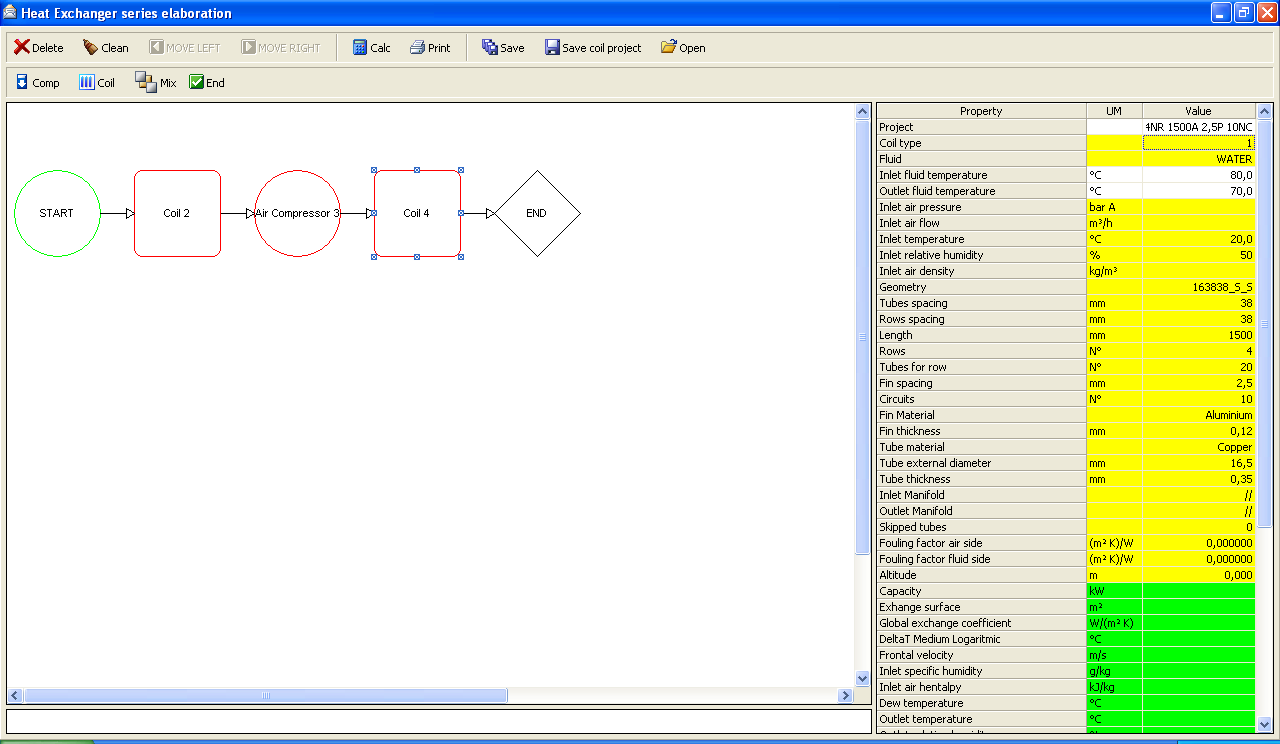
All relative data are automatically compiled (the data in yellow fields and white are input data)
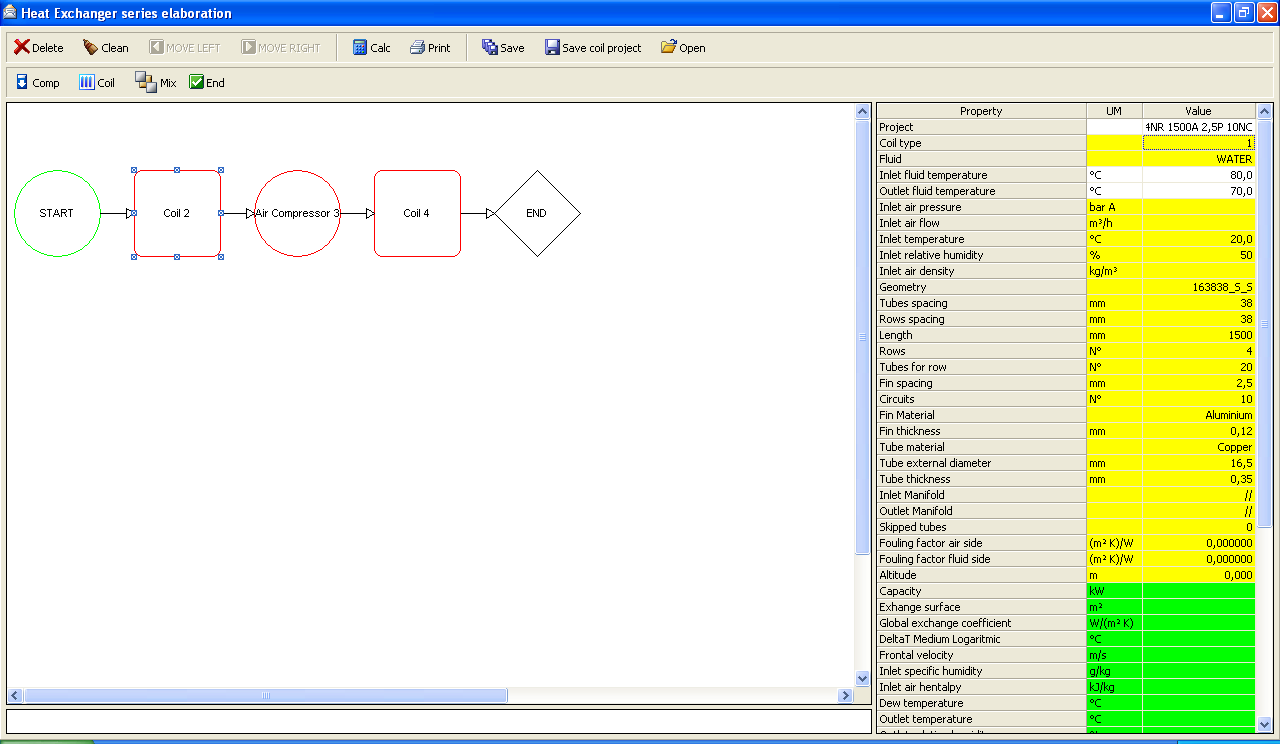
We click on “Air Compressor 3”
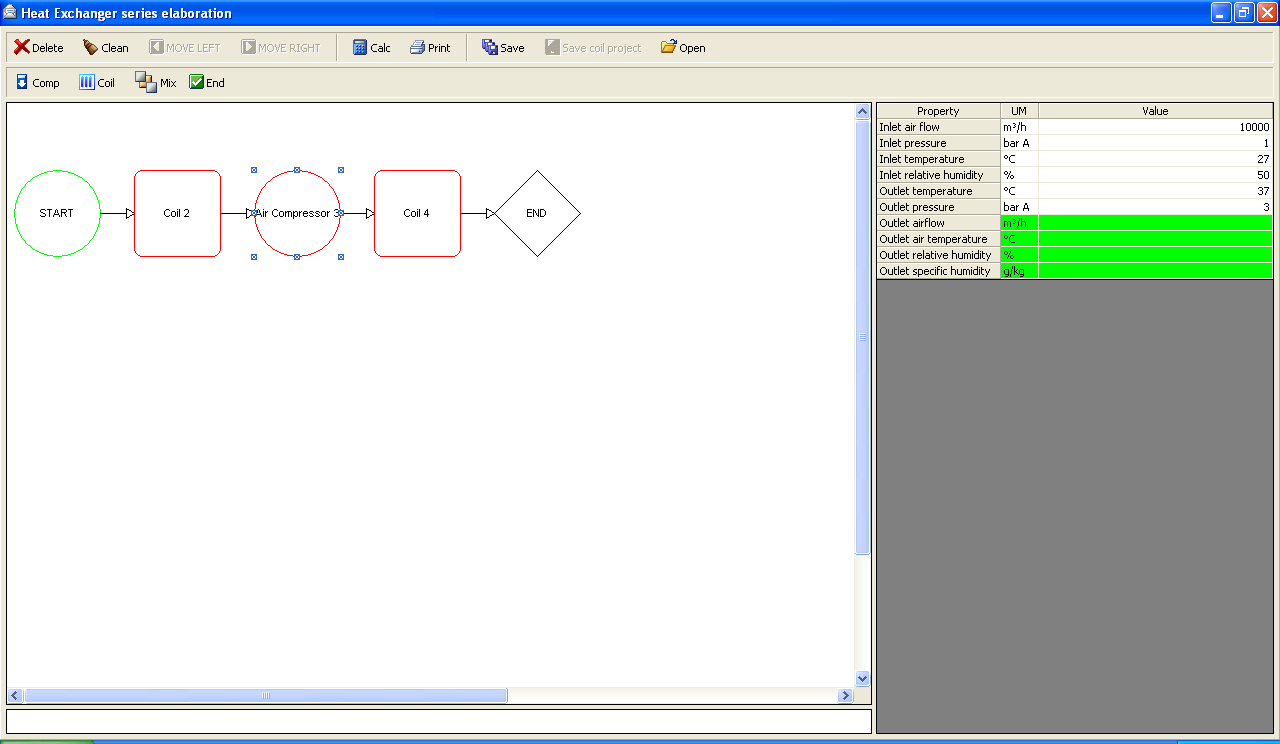
We click on “Coil 4”
All data are automatically compiled (the data in yellow fields and white are input data)
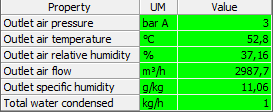
To calculate our system we click on  and get
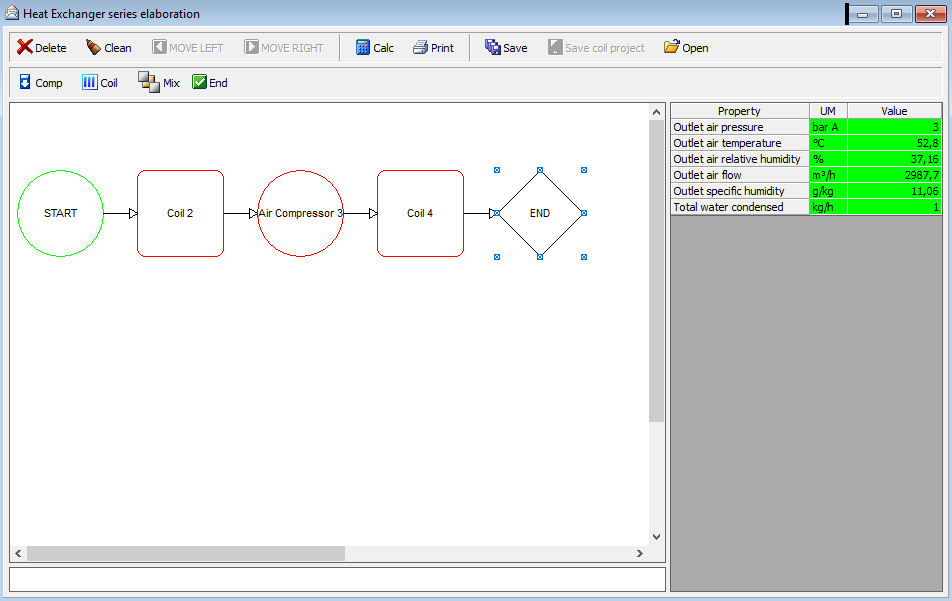
Where we can see our results
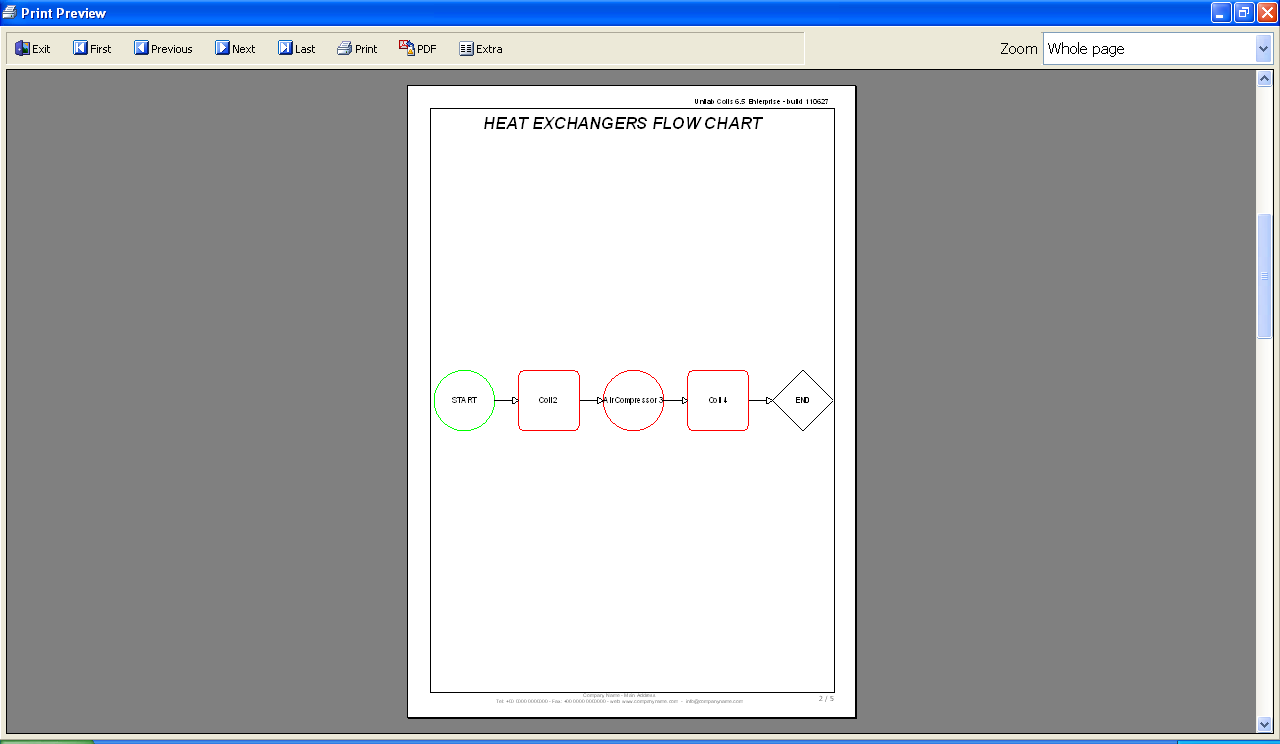
To print our calculation we click on the  button and get